My Home Virtual Production Mini-Stage

Introduction

This is a compact home virtual production stage — a scaled-down version of the LED wall setups used in film and broadcast. Built from a mix of consumer and prosumer gear, it’s designed to test multi-display routing, keying, and monitoring workflows without the footprint (or price tag) of a full studio volume.

Goals & Features

Some of the goals I had when putting this stage together:

▸ Multi-display playback — drive a wall of TVs as a single stage background.

▸ Basic chroma key — using the ATEM’s built-in keyer for quick composites.

▸ Confidence monitoring — ensuring the operator sees what the wall is displaying.

▸ Flexible routing — feed both raw laptop outputs and switched program signals into the Matrix.

▸ Room to grow — keep a path open to 4K switching, multi-user setups, and dedicated render heads.

Simplified Wiring

Hardware Spotlight: ATEM Mini Pro

Blackmagic Design ATEM Mini Pro

Compact live switcher designed for streaming and multicam. Supports up to 4 HDMI inputs (1080p max). Includes built-in chroma keying, picture-in-picture effects, transitions, and media playback. Outputs via HDMI or USB-C, and can stream directly. In this setup, it provides both the switching function and the chroma key feature for real-time composites.


Hardware Spotlight: Targus DOCK190

Targus DOCK190 Dual-Video 4K Docking Station

Uses DisplayLink technology to deliver dual HDMI outputs from a single USB-C input. Spec’d to handle dual 4K monitors (with driver compression and bandwidth limits). Provides power delivery up to 100W, plus USB/ethernet expansion. In this setup, it allows the Predator Helios 300 laptop to drive two HDMI feeds for routing into the ATEM and Matrix.

Full Routing

Summary

Even at 2K, this stage demonstrates how small-scale routing can mimic the flow of professional virtual production setups. By layering docks, splitters, routing, and monitoring, the system can drive a four-panel wall while keeping flexibility for program feeds and expansion.

Bottlenecks & Limitations

ATEM Mini Pro: limited to 1080p; hard ceiling on resolution.

Targus DOCK190 (DisplayLink): spec’d for dual 4K, but USB bandwidth and compression often reduce it to 1080p in practice.

Laptop GPU: Acer Predator Helios 300 (Intel i7, RTX 2060, 16GB RAM) is still capable, but aging, and bottlenecked by USB-C/DisplayLink.

Displays: mixed models (Hisense and Samsung), not uniform in color/latency.

Concerns about matrix clamping values;

Clamped?
Full range?

Cost Estimate (<$3k Approximate, USD)


Acer Predator Helios 300 Laptop: $800–1,000

Targus DOCK190: $125

Blackmagic ATEM Mini Pro: $295

OREI 4×4 HDMI Matrix/Wall Processor: $160

HP Z8 Frankenstein: ~$600 (rebuilt from salvaged parts)

Hisense 50” QD6 Series (2025 QLED 4K UHD Smart) ×2: $250 each = $500

Samsung CU8000 50” UHD TVs ×2: $250 each = $500

Confidence Monitor (generic HDMI): $20

HDMI splitters, cables, odds & ends: $200

Total (as built): ~$2,700–2,900, USD)

4K-Capable Variant

A future upgrade path would be replacing the Mini Pro with an ATEM Constellation 4K (starting around $995 for a 1 M/E model) or similar. This would provide true 4K input/output, more inputs for both the Laptop and HP Z8 Frankenstein, and multiple aux outs. The video-wall processor would still be required to tile across the four TVs.

Plans Going Forward

4K Switching & Routing: Evaluate Constellation 4K or similar switchers. Confirm DisplayLink Bandwidth:

Test USB-C throughput vs direct GPU HDMI/DP output to verify if DisplayLink is capping me at 1080p.

Secondary Computer Integration: The HP Z8 Frankenstein is currently 2K; long-term, it could become part of a multi-user workflow, likely requiring a KVM switch and rerouting desk peripherals. Eventually, it could serve as a dedicated render head.

Side by side

Display Wall Consistency: Move toward matched panels for consistent performance.

Display Wall expansion : adding 3x more 50” or one larger screen if I need larger coverage

Experiment with adding projectors

Unreal Worldbuilding Fellowship 2022

I was able to participate in the Unreal Fellowship for Worldbuilding this year. This was an intensive full time 3 week course. There were over 160 hours of online instruction with additional supplemental follow up reading or videos after each class. There were 105 other attendees, all split up into teams with Mentors and Teaching Assistants. These smaller groups allowed for one on one time, to be able to individually answer questions and guide the assignments, and we had weekly Scums to go over the work in progress and get feedback before sharing with the entire group. The overall focus of this Fellowship was on Worldbuilding, gearing up the skill sets for Environmental, Level design and (VAD)Virtual Art Dept artists. Specific focus was dedicated to the newest features such as Lumen and Nanite in the Unreal Engine as of UE 5.0.3.

One of the really smart things Epic is doing with the Fellowship programs, in addition to providing hands-on experience and training with the tools, is that they want to try and inspire a community around the classes and the engine. The groups were encouraged to work together sharing our progress and our work together discussing ideas and processes. There were people from many backgrounds, at all levels, including freelance and tech artists, VAD, CG supervisors, and VP TDs as well as people who had never used Unreal before and it was really interesting to share this journey with them all. There was also an added social aspect of the Fellowship, which included additional optional coffee meetups and happy hours to build up these connections and friendships. It was a good atmosphere for learning, with so many eager people all wanting to share resources and find answers. For me as a Virtual Production Supervisor, it was especially interesting to be working in-engine alongside people from Amazon, Netflix, Dneg, and Pixomundo and other smaller ICVFX stages and hearing about their experiences. As alumni we are are encouraged to maintain these connections and continue to come back for future Fellowships, and assist new Fellows.

For me, in addition to a chance to develop a full scene from scratch and light content hands-on this was also an opportunity to work on optimization methods and profiling to ensure scene performance within hardware constraints, and I was able to build my scene and work through the full course from my laptop; and Predator Helios 300(Intel(R) Core(TM) i7-10750H CPU @ 2.60GHz 2.59 GHz, 32.0 GB RAM, NVIDIA GeForce RTX 2060 )  
I was struggling early on as this project grew to fit it within these hardware constraints. I eventually managed to get into a workable state, but it took some conscious effort and a lot of work; key factors were dropping the scalability settings to low wherever possible, and working in unlit mode for layout tasks. Once I needed to really see and evaluate with full lighting and textures, what I ended up doing was running the audit, bulk editing all my textures to a max resolution, with a few select hero elements of 2k, and everything else lower, converting everything to a VT.

Worldbuilding

For the themes in our Worldbuilding projects we were each assigned random dice rolls on the “Worldbuilding Configurator” spreadsheet. This was basically a D&D chart of themes, ideas and styles which we used to design our scenes and the randomization factor was included to help push us out of our comfort zones.

Setting; Crew Quarters/Office/Lab,

Architecture; Modern, 

Visual Style;  Renaissance, 

Environmental Condition; Thunderstorm, 

Surprise Twist;1 Post-Apoc,

Modifiers;

Prehistoric, Immaculate, Glass/Ice, Hyper-saturated, Night, Water-world

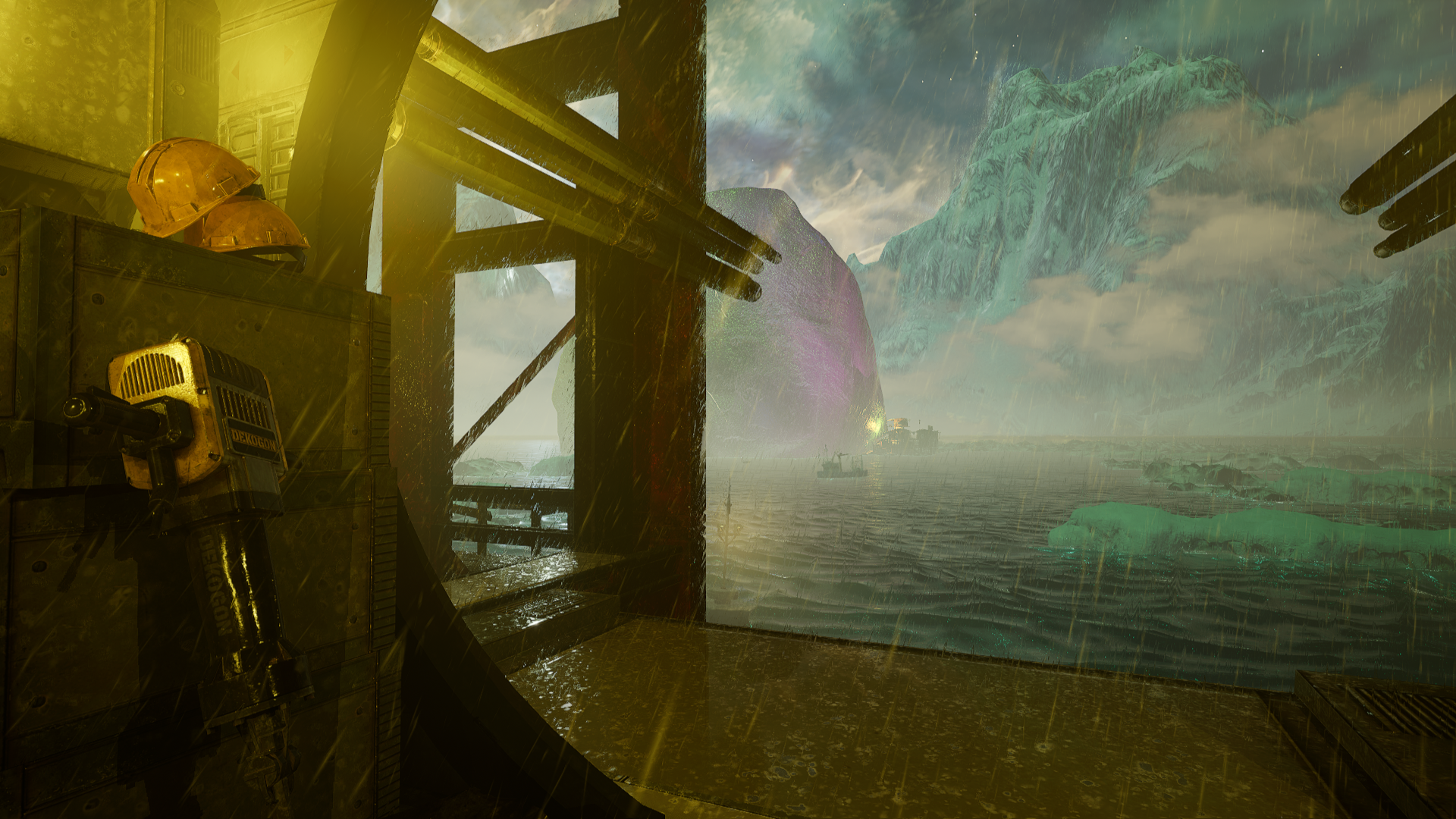
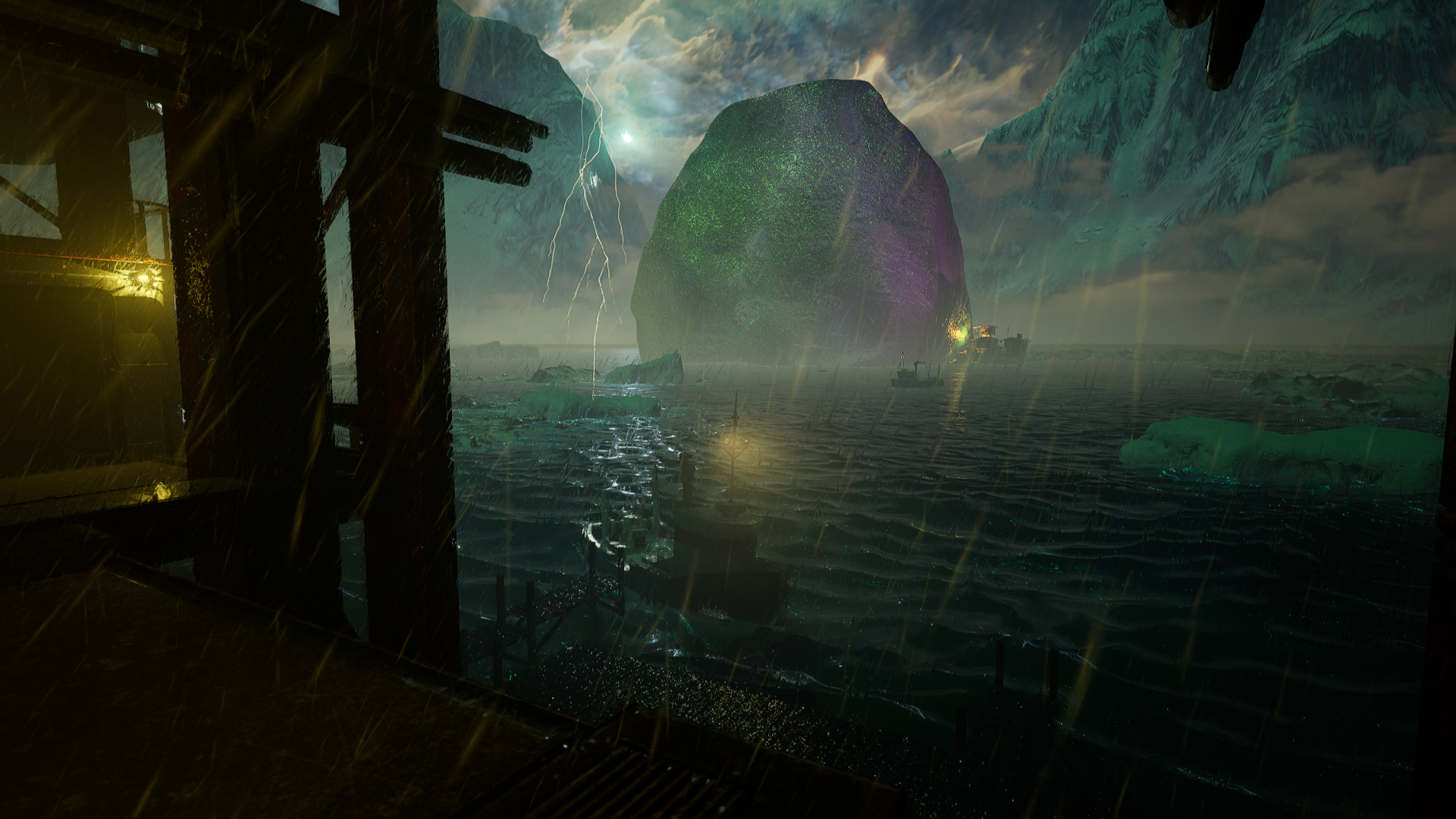
Peering out from the hatch of the dark interior crew quarters, claustrophobic, full of modern pipes like a post apocalyptic u boat. 

Seeing out onto the ancient glacial glassy shore of a water-world in a thunderstorm, immaculate hyper-saturated, painted in a renaissance style”

MidJourney; Concept design experimentation

  • -Cool/hot contrast
  • -Lived-in interior
  • -Mood like the ending of Frankenstein
  • -Complex ice shapes

  • -Saturated Ice
  • -Dangerous
  • So saturated almost glowing, filling the sky
  • -Filthy interior
  • -Weathered, cluttered

  • -Dark inside
  • -Silhouetted
  • -Rounded Hatch
  • -ships/wreckage in MG distance
  • -Frost/Ice forming in the sky
  • -Storm clouds, Lightning bolts

To get started blocking out quickly I raided the Marketplace and picked up whatever I thought might be useful to kitbash the scene together.

https://www.unrealengine.com/marketplace/en-US/product/polar-sci-fi-facility

Work in Progress;

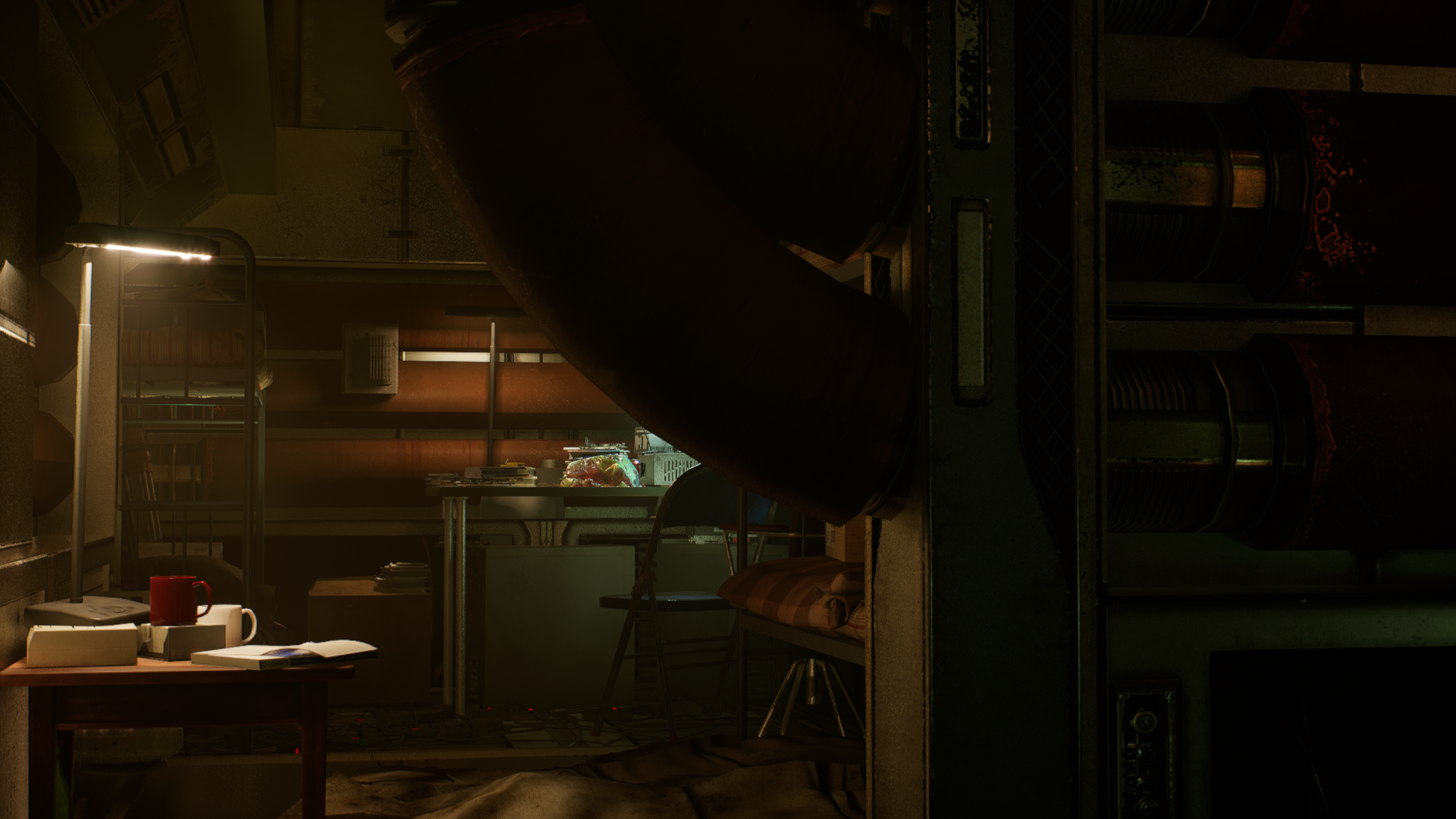
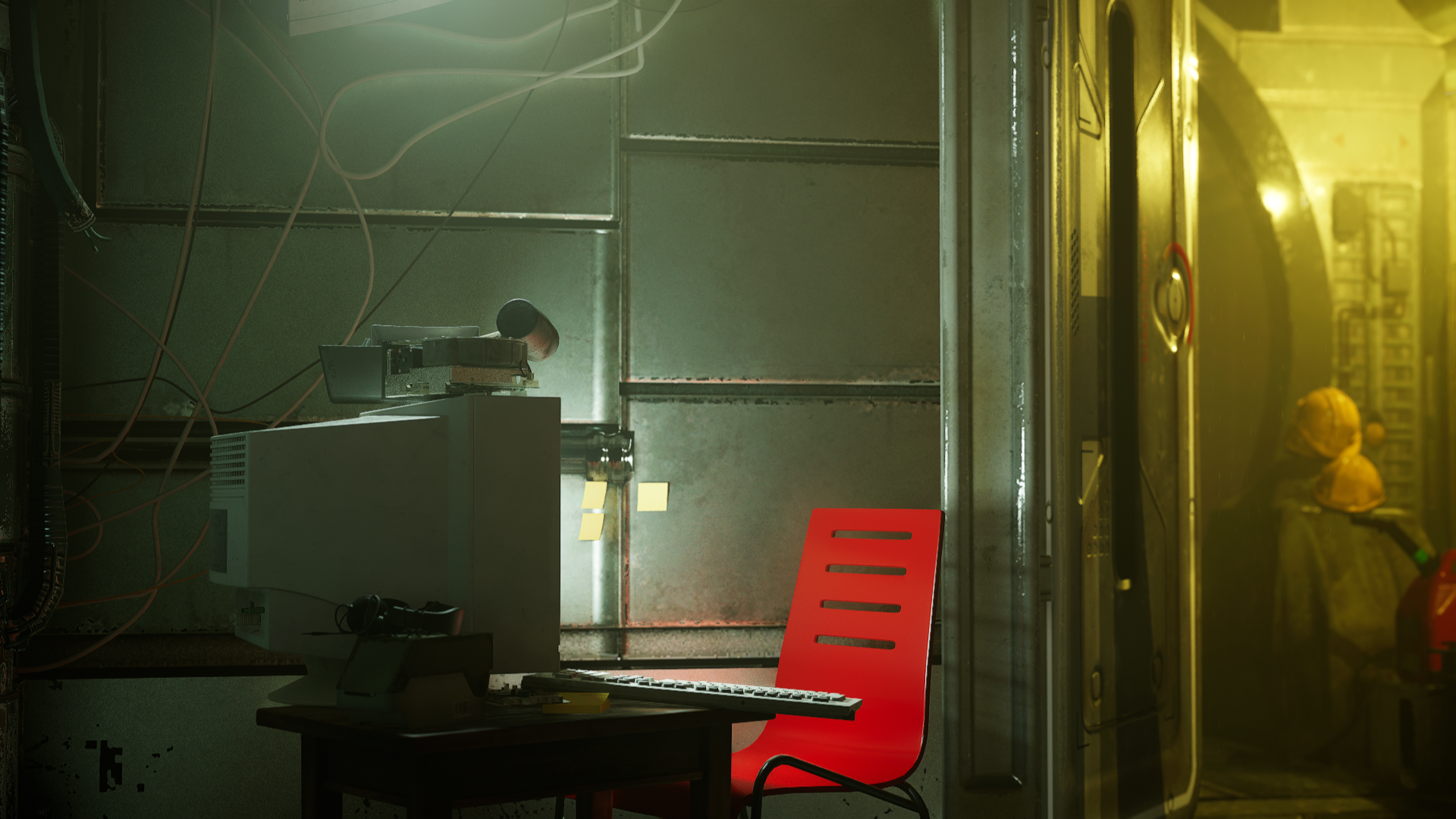
I was pretty happy with the way the sky was set up, I started dialing in some panning textures over cards and multiple spheres using placeholder Marketplace elements. It started very celestial, with bright nebulas and feeling very spacey, but I knew I’d be swapping things out and I was most focused on getting all the parts iin place. I also started building the interior blocking a corridor from a circular portal, with spline driven wires and pipes. I spent a little tile throwing litter around with the foliage tool, and I also started blocking in the office/lab/workspace, and designing several little vignettes to try and start adding some points of interest with computers tools and lamps.

Next Steps;

At this point I knew I wanted to start improving the sky elements, to swap out the celestial cards with; Clouds, Lightning bolts, Frost, so I went back to Midjourney and generated more reference and textures;

Midground Elements

1st weeklies Scrum;

  • Make it more personal, we’re not hearing your voice here.
  • Should feel more lived in, what does this person do here, what’s their day to day?
  • It still looks too much like the asset packs
  • Tint color PPV?

I dug up some more int ref, looking for the cramped space within a U-boat; 

From here I wanted to branch out to include some new assets. These three packs from Kitbash3D fit the bill nicely;

Work in Progress;

Based on the feedback from my Mentor TA and team during my Scrum I started setting up cameras in the scene and focusing more on what would be seen, shrinking the space and making it more confined and intimate. I took the vignette idea and made a few more scenes in the space, looking for breadcrumbs to tell a little of the story and make it a bit more narrative.

Work in Progress 12/1

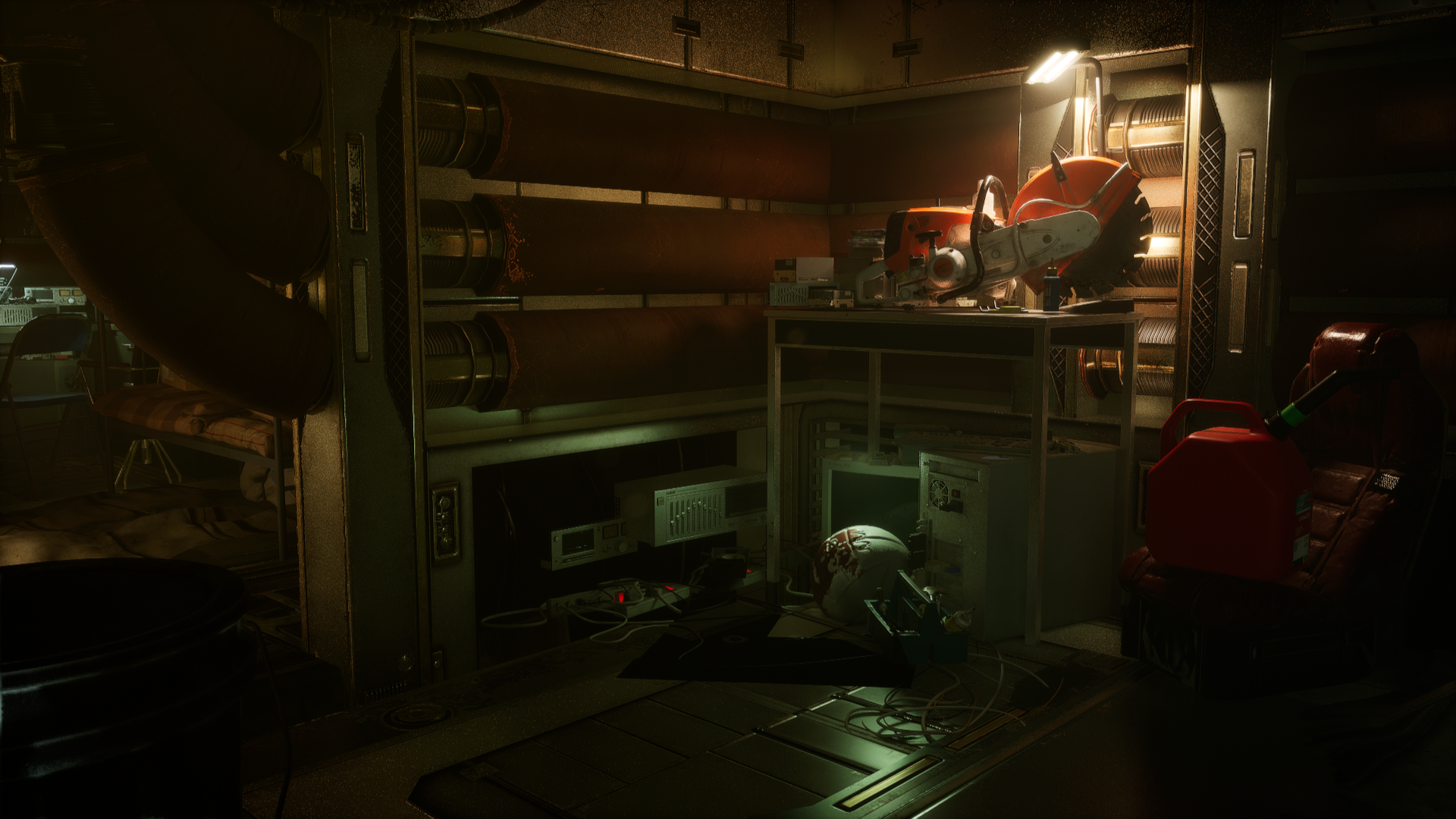
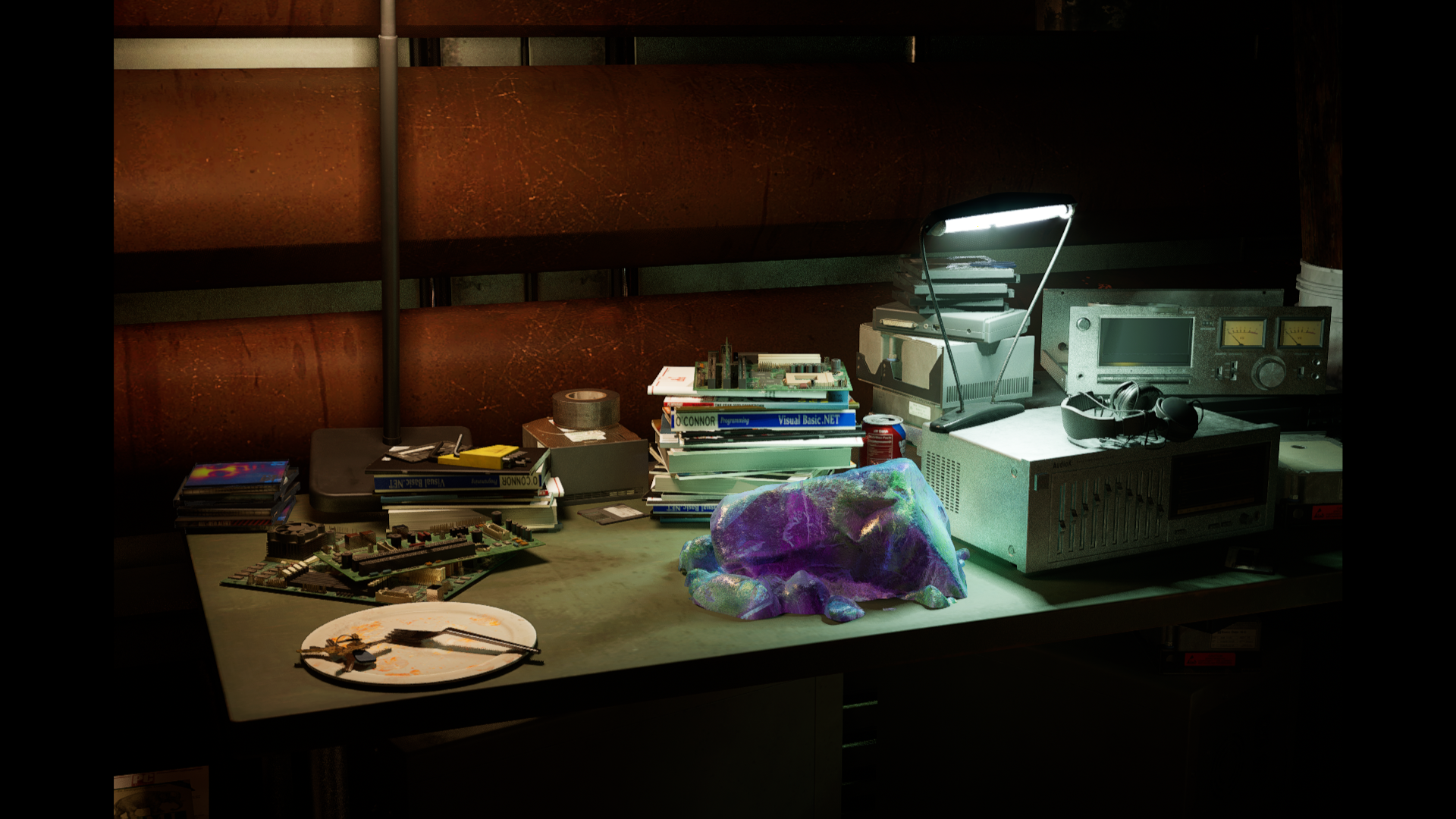
For the last of my blocking here, I really tried to get into the head of the person living in this environment. I got a complex opal shader for the stone and wanted to tie the large one back to the living space and motivate the character, so I made a smaller chunk and set it up at the workstation near the bunk. I started logically moving the parts of the vignettes; the heavy saw workstation needed to be close to the outside door, there should be a landing for the boat and clear path to reach the gemstone, etc, because I wanted to feel like it all made sense.
The next big task was replacing the simple water card with the engine’s more complex water tools, and I was able to integrate an ocean with simulated waves. This made it possible to float the ship too! Since UE features some basic water physics via the buoyancy actor, which I was able to add to the ship with some pontoons and after a bit of work figuring out the mass and pontoon placement I had a ship that was bobbing nicely in the choppy waves.

With only a few days to go, I had to make an effort to be a bit organized with what I could do and make some priorities. With so many possibilities it was easy to sit down to make a change, get inspired and go down a rabbithole, I knew I wanted;

  • -Translucency/refraction in the gemstone
  • -Godrays in the lights
  • -A simulation for dust/steam atmo
  • -Dialing in the PPV
  • -Rebuilding the mountains with the landscape tools
  • -Rain?
  • -camera shake?
  • Door animation

Boba Fett’s Slave one


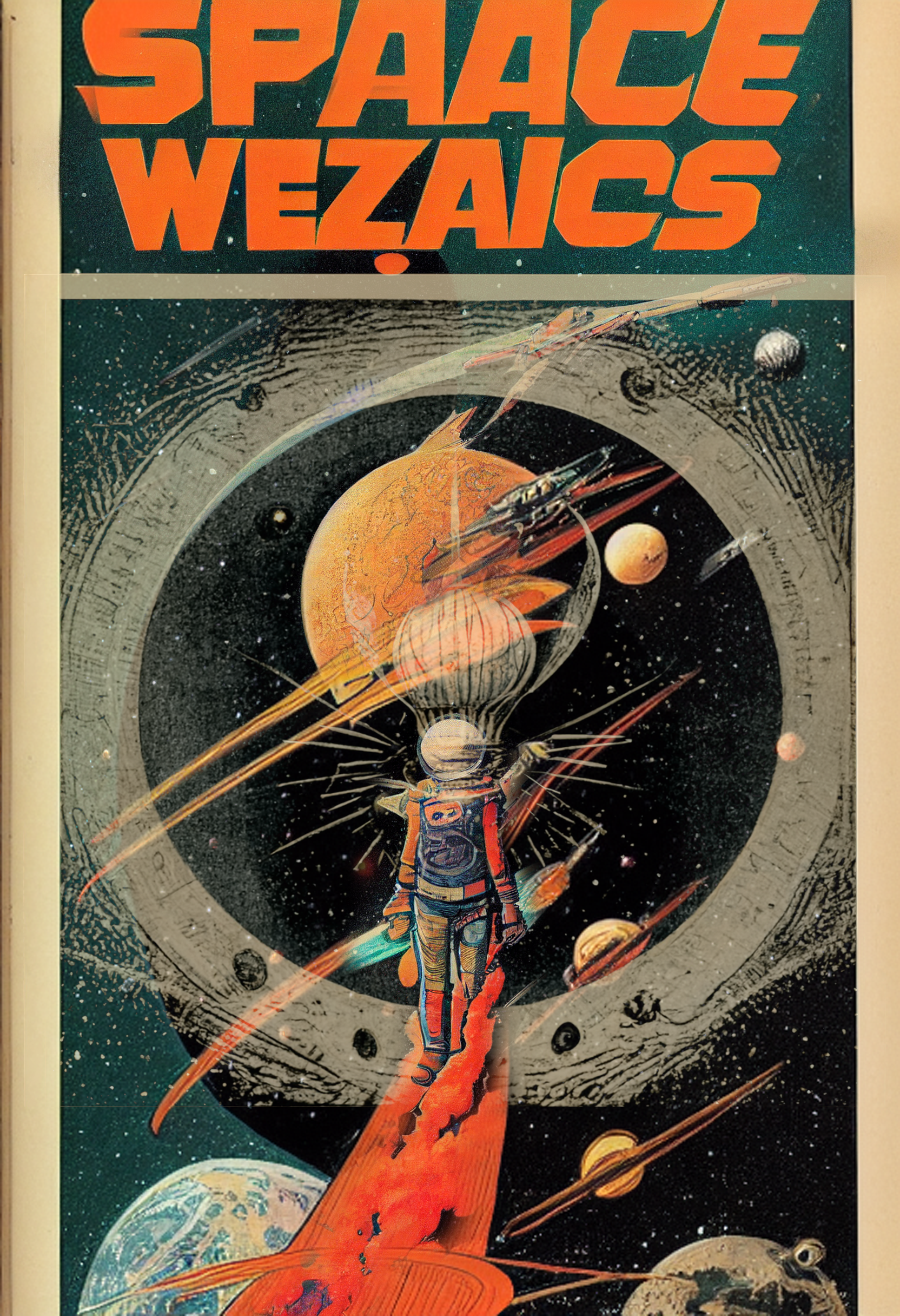
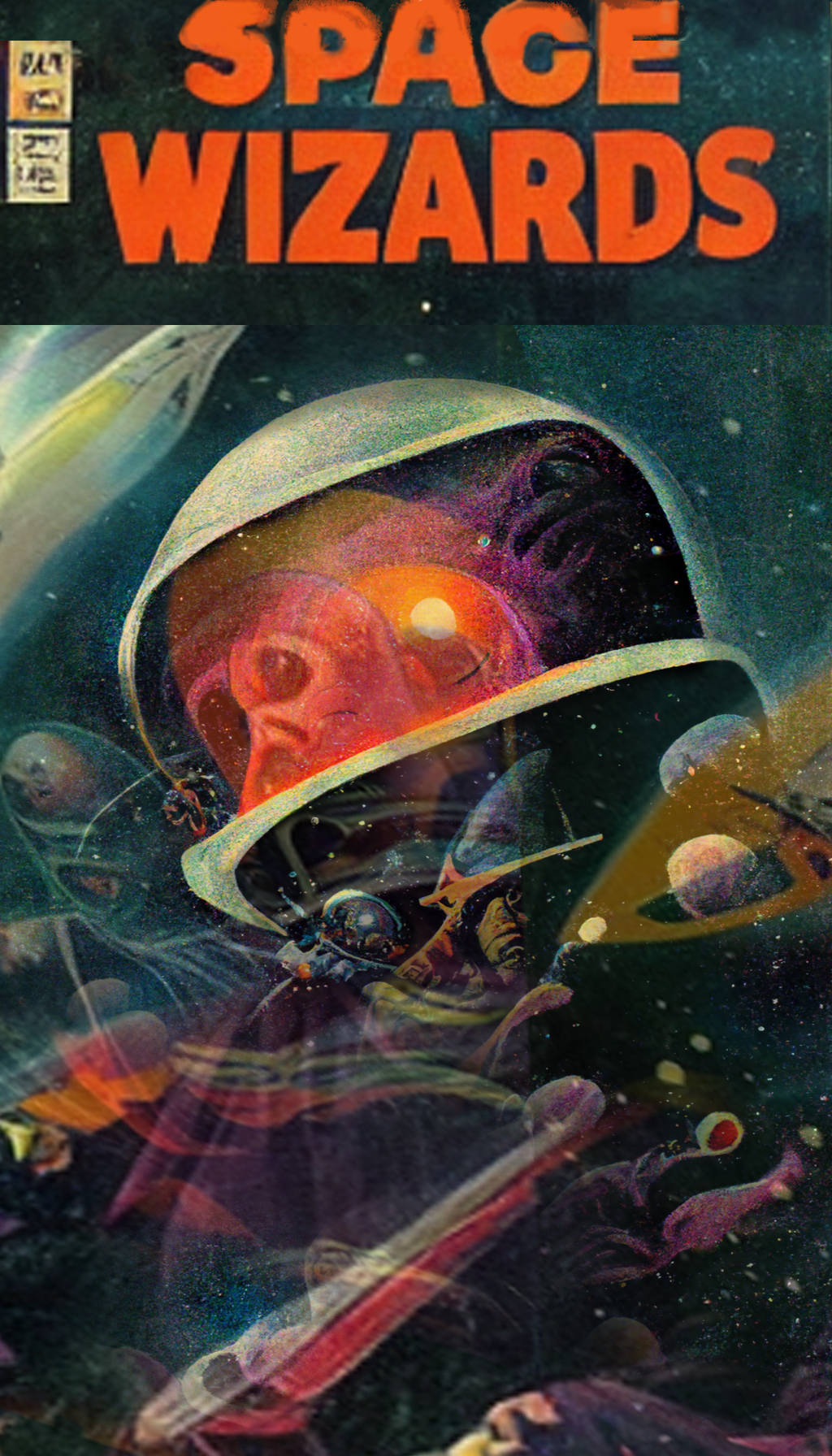
Midjourney


Pi cam progress

Working on some pi camera programming tonight. Just a simple interface that uses the gpio buttons on the adafruit screen I’ve got. Not a huge jump, but a little progress.


Handheld scanner

There is the idea;

Going to try and document the process as I try it,

Starting from here; https://eleccelerator.com/wiki/index.php?title=Raspbian_Buster_ROS_RealSense

Now that I’ve managed to gather most of the parts, its time to start

It mentioned starting from a fresh Buster image, https://www.raspberrypi.org/blog/buster-the-new-version-of-raspbian/

Buster is now 16 months past and there is a new flavor, Raspberry Pi OS (previously called Raspbian) So I’m starting with it, downloading and imaging it with RaspberryPi’s own imager onto a 64gb card.

I hear I will need to solder my own power cord but that should be do-able, the micro usb does intimidate me a bit though

Installed teh image on card, slipped card into Pi and…

…realized my Pi harness is all wrong for this new Pi, with it’s USB c power, and tiny tiny HDMI plug… don’t think I even have an adaptor that small…

I should have thought of that!

Ran through great rest of my pi camera prototypes and testing them, managed to boot each and take a snapshot from each


Abandoned Knight

Decided that I’m not likely ever going to finish this knight as a knight and I’d rather display it as an old abandoned work in progress, so I made some scaffolding support out of laser cut scraps, and gave him a quick paint job. #Kitbash #terrain I like scaffolding.