Tag Archives: cambot

My Home Virtual Production Mini-Stage

My Home Virtual Production Mini-Stage

Introduction

This is a compact home virtual production stage — a scaled-down version of the LED wall setups used in film and broadcast. Built from a mix of consumer and prosumer gear, it’s designed to test multi-display routing, keying, and monitoring workflows without the footprint (or price tag) of a full studio volume.

Goals & Features

Some of the goals I had when putting this stage together:

▸ Multi-display playback — drive a wall of TVs as a single stage background.

▸ Basic chroma key — using the ATEM’s built-in keyer for quick composites.

▸ Confidence monitoring — ensuring the operator sees what the wall is displaying.

▸ Flexible routing — feed both raw laptop outputs and switched program signals into the Matrix.

▸ Room to grow — keep a path open to 4K switching, multi-user setups, and dedicated render heads.

Simplified Wiring

Hardware Spotlight: ATEM Mini Pro

Blackmagic Design ATEM Mini Pro

Compact live switcher designed for streaming and multicam. Supports up to 4 HDMI inputs (1080p max). Includes built-in chroma keying, picture-in-picture effects, transitions, and media playback. Outputs via HDMI or USB-C, and can stream directly. In this setup, it provides both the switching function and the chroma key feature for real-time composites.


Hardware Spotlight: Targus DOCK190

Targus DOCK190 Dual-Video 4K Docking Station

Uses DisplayLink technology to deliver dual HDMI outputs from a single USB-C input. Spec’d to handle dual 4K monitors (with driver compression and bandwidth limits). Provides power delivery up to 100W, plus USB/ethernet expansion. In this setup, it allows the Predator Helios 300 laptop to drive two HDMI feeds for routing into the ATEM and Matrix.

Full Routing

Summary

Even at 2K, this stage demonstrates how small-scale routing can mimic the flow of professional virtual production setups. By layering docks, splitters, routing, and monitoring, the system can drive a four-panel wall while keeping flexibility for program feeds and expansion.

Bottlenecks & Limitations

ATEM Mini Pro: limited to 1080p; hard ceiling on resolution.

Targus DOCK190 (DisplayLink): spec’d for dual 4K, but USB bandwidth and compression often reduce it to 1080p in practice.

Laptop GPU: Acer Predator Helios 300 (Intel i7, RTX 2060, 16GB RAM) is still capable, but aging, and bottlenecked by USB-C/DisplayLink.

Displays: mixed models (Hisense and Samsung), not uniform in color/latency.

Concerns about matrix clamping values;

Clamped?
Full range?

Cost Estimate (<$3k Approximate, USD)


Acer Predator Helios 300 Laptop: $800–1,000

Targus DOCK190: $125

Blackmagic ATEM Mini Pro: $295

OREI 4×4 HDMI Matrix/Wall Processor: $160

HP Z8 Frankenstein: ~$600 (rebuilt from salvaged parts)

Hisense 50” QD6 Series (2025 QLED 4K UHD Smart) ×2: $250 each = $500

Samsung CU8000 50” UHD TVs ×2: $250 each = $500

Confidence Monitor (generic HDMI): $20

HDMI splitters, cables, odds & ends: $200

Total (as built): ~$2,700–2,900, USD)

4K-Capable Variant

A future upgrade path would be replacing the Mini Pro with an ATEM Constellation 4K (starting around $995 for a 1 M/E model) or similar. This would provide true 4K input/output, more inputs for both the Laptop and HP Z8 Frankenstein, and multiple aux outs. The video-wall processor would still be required to tile across the four TVs.

Plans Going Forward

4K Switching & Routing: Evaluate Constellation 4K or similar switchers. Confirm DisplayLink Bandwidth:

Test USB-C throughput vs direct GPU HDMI/DP output to verify if DisplayLink is capping me at 1080p.

Secondary Computer Integration: The HP Z8 Frankenstein is currently 2K; long-term, it could become part of a multi-user workflow, likely requiring a KVM switch and rerouting desk peripherals. Eventually, it could serve as a dedicated render head.

Side by side

Display Wall Consistency: Move toward matched panels for consistent performance.

Display Wall expansion : adding 3x more 50” or one larger screen if I need larger coverage

Experiment with adding projectors


Siege video

Siege videohttps://isdrab.com/wp-content/uploads/2018/05/22858196_141656786564447_4682385681245274112_n.jpg" data-large-file=";https://isdrab.com/wp-content/uploads/2018/05/22858196_141656786564447_4682385681245274112_n.jpg" />


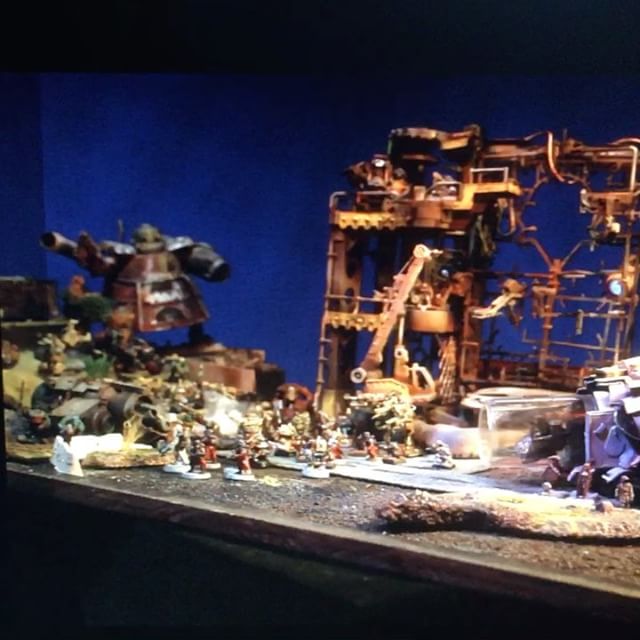
I did a bit more testing of #Cambot this time with a table full of miniatures. Sort of a quick sweep through the static scene to see what can be programmed and shot in about an hour. I’m finding that the mechanics aren’t tight enough for accurate repeatability. When I try and plot out new key frames it won’t quite line up to the registration of the previous but it’s still exciting to get the camera moving. For now I’ll either have to keep with short moves, or have the full timeline programmed to shoot without interruption. Annoyingly after this shoot it seems two of the axis are no longer driving their motors, I picked up a new set of drivers and installed them but need to get into tuning again #itneverends #dragonframe #stopmotion #warhammer40k


Cambot test move


This is the first time I’ve had all 4 axis moving, so I had to run through a shot. This was a test move, just quickly swinging around some of my #sufferthewitch models on my stage and animating some lights. I didn’t get out the stop watch and plan the shot out for any storytelling aim, just wanted to see the #moco rig in action


Cambot is ALIVE

All four axis are working now. It was a serious game of trial and error and process of elimination, and in the end I determined I must have a short in channel 4. But this was only after the logic puzzle of trying each combination of motor/driver/channel/wire.
Fortunately this Biolapse card has six available, so I was able to move everything from 4 to 5, then tune the steppers and it’s ALIVE!


Cambot update 9/17

Cambot update 9/17

I’m a bit stuck working on #Cambot. It should be able to perform programmed camera moves, and mechanically it works.  I figured now would be a good time to do a video, showing what’s going on. I’m particularly fond of the gearing on the pan tilt head. I’m just stuck on the electronics.

I’d been wiring the arduino directly to some easy drivers, but that wasn’t working out so well. The wires were a spaghetti mess, and I never got more than one axis moving at a time. Ended up letting the magic smoke out of like four steppers.

I got this awesome board kit from Biolapse, so spent awhile soldering it up. I happened to have a bunch of smaller stepperdrivers from my  burnt out #3Dprinter ramps board and got it all together wired up to power and the nema17 stepper motors of the rig and looking good to me.

When I power it up the most I’m getting now is a slight vibration from one axis, not much torque, or rotation. The rest of the axis; nothing.

Lots of things I think it could be just not sure where to begin. I’m really reluctant to tear it all apart looking for the problem. That rearrange plugs, then test trial and error is exactly how I burned up so many drivers before. Just don’t know where to begin #troubleshootinghell

Bad soldering; there were a lot of points, and as much as I thought it went well, it’s always possible it didn’t flow/connect or something. But it seems unlikely I missed so much that all but one don’t work at all. I’d expect more mixed results.

Crossed wiring; the stepper motors might be plugged in the wrong order. I tried to be aware of which were the a/b coils of them but could easily have misread the diagram, and these are mismatched anyway so colors may not be reliable. It could even be a short in the leads to the motors.

The stepper drivers might need to be tuned, or could be bad. Only one of the stepper drivers I hooked up was new. The rest came from my old ramps board, which had been put out of commission when he heated bed power terminal burned up. It’s possible they don’t work now,  But the rest of the board had been alright at the time.


Cambot rig

been working on editing a video about my #cambot #motioncontrol rig. I feel like it’s close but keep running into little complications and expect to need advice soon so I thought I’d put together a full run down #stopmotion


Three projects

Three projectshttps://isdrab.com/wp-content/uploads/2017/08/9ca7c-20837509_1508975205832176_2817898162818121728_n.jpg" data-large-file=";https://isdrab.com/wp-content/uploads/2017/08/9ca7c-20837509_1508975205832176_2817898162818121728_n.jpg" />

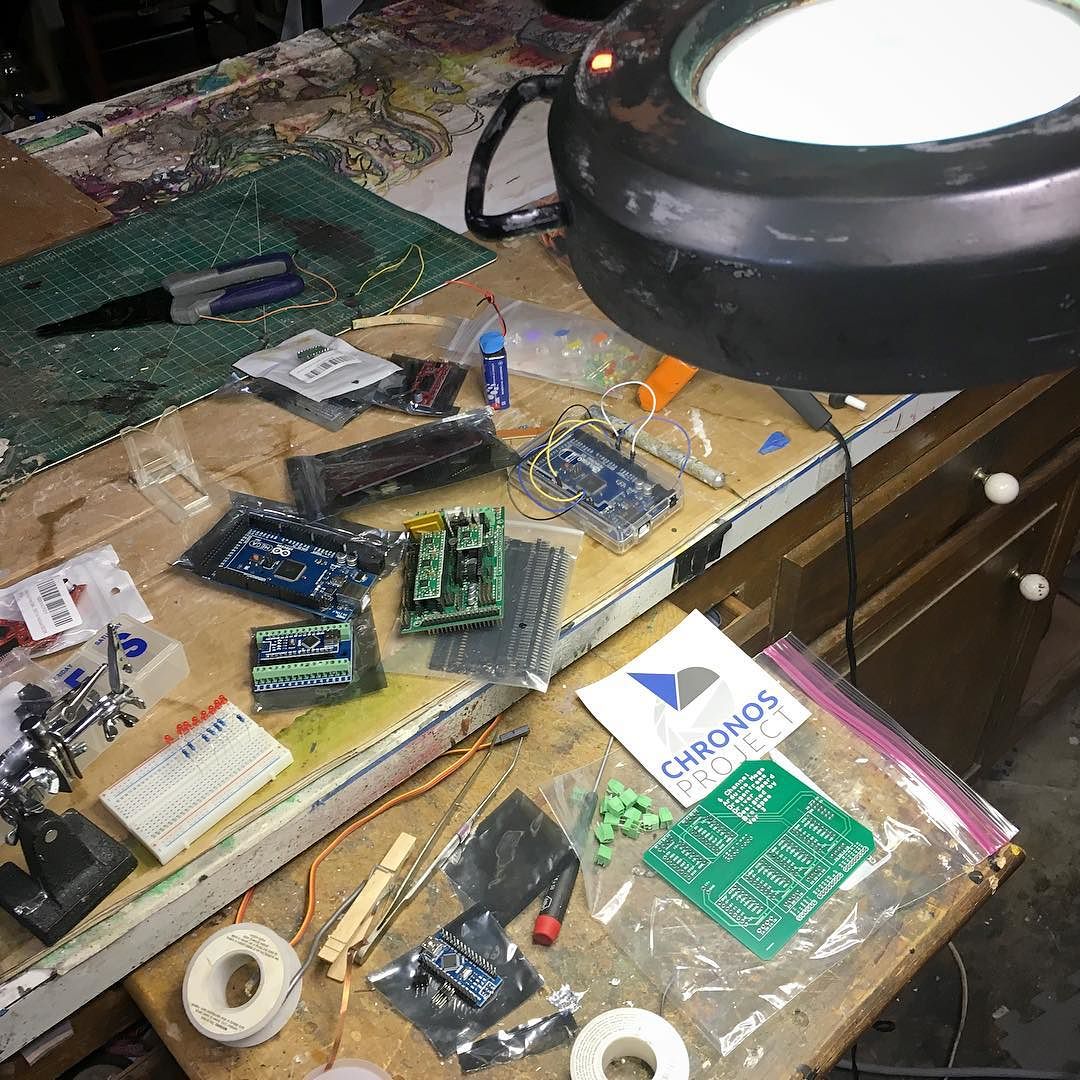
Three projects on the work bench today, all involving soldering! Setting up #arduino controlled lights for the spaceship model, repairs to my #3dprinter, and a major upgrade to #cambot @biolapse hooked me up with an awesome etched shield to hold motor drivers #art #moco #motioncontrol via Instagram http://ift.tt/2fODRGk